 Meta Ads
The short fix
- The Facebook Page and the Instagram account must both sit in one Meta Business Portfolio. Create one if the client doesn’t have it.
- If adding Instagram fails with “account is currently blocked”, switch Instagram to a Personal account and reconnect it through Meta. Meta makes you upgrade it back to Business or Creator, and that clears the block.
- If finishing the connection throws another error, add the Facebook Page to the same portfolio first.
- Link the Instagram account and the Page again. It connects.
The error
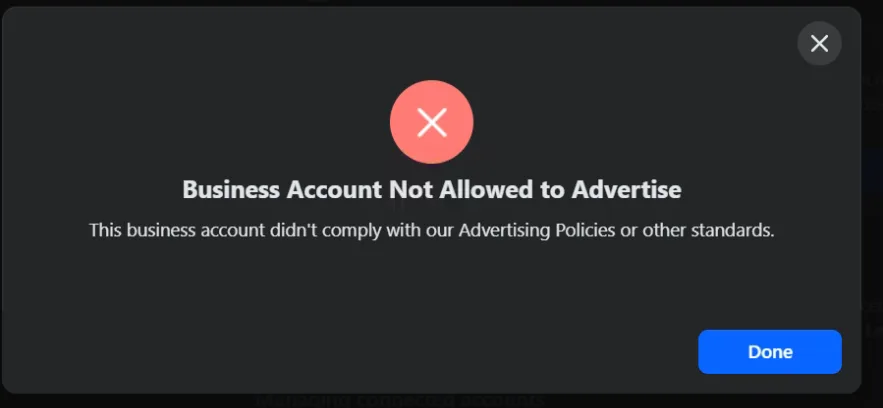
While connecting a client’s Instagram account to their Facebook Page, Meta stopped me with this message:
Business account not allowed to advertise. This business account didn’t comply with our Advertising Policies or other standards.
It names no policy and gives no next step, and that’s exactly why it slows people down. So instead of trying random fixes, I treated it like any other bug: reproduce it, isolate it, and collect clearer error messages until the real cause shows.
Step 1: Reproduce it to rule out a glitch
I tried the same connection again from the Meta Business Suite home page. Same error. So this wasn’t a one-off glitch: something in the setup was blocking the link.
Step 2: Isolate the asset
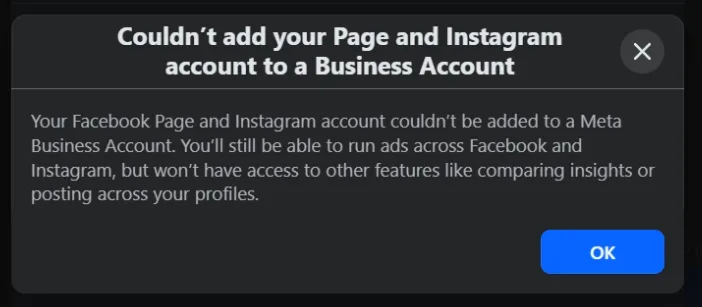
Next question: is the problem the Facebook Page or the Instagram account? I tried linking the same Instagram account to a different Facebook Page that I’d created earlier.
This time Meta returned a more detailed error (Figure 2), and that detail was the real clue.
What it revealed: both assets must be in a Business Portfolio
The Page and the Instagram account can’t be connected unless both belong to a Meta Business Portfolio. You used to be able to link them directly; now Meta wants every asset inside a portfolio first. That’s why the vague error appeared in the first place.
Step 3: Clear the “Instagram account is blocked” error
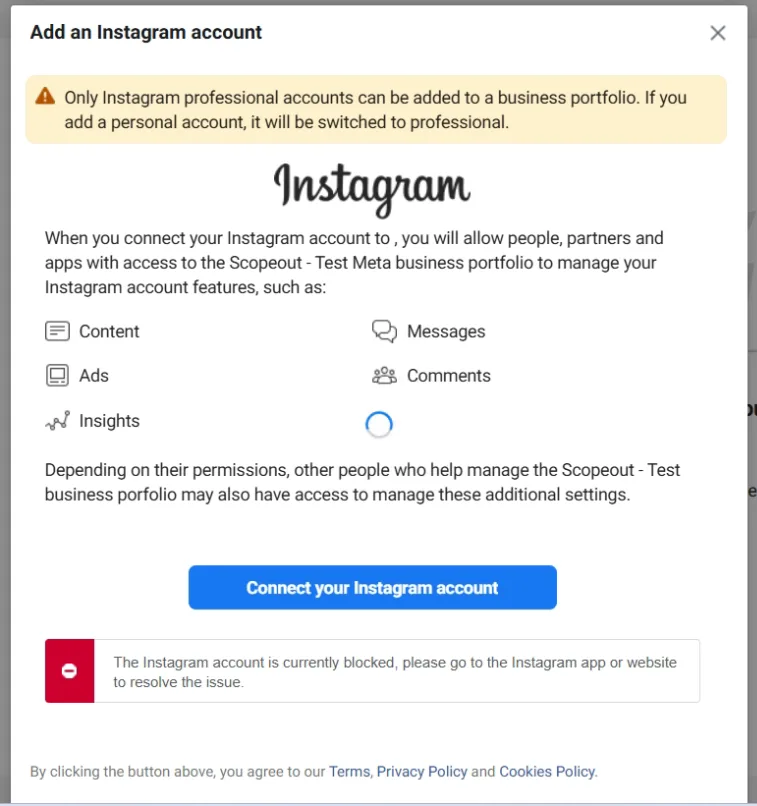
So I added the Instagram account to an existing Business Portfolio before reconnecting. That threw a new error:
The Instagram account is currently blocked. Please go to the Instagram app or website to resolve the issue.
I’d seen this one before with another client, and the fix doesn’t happen in the Instagram app at all. It’s an account-type reset:
- Switch the Instagram account to a Personal account.
- Reconnect it to the Facebook Page through Meta.
Meta then detects that the account has to be a Business or Creator account to connect, and makes you upgrade it. Going through that upgrade clears the “blocked” state on its own.
Step 4: Let Meta pick up the portfolio
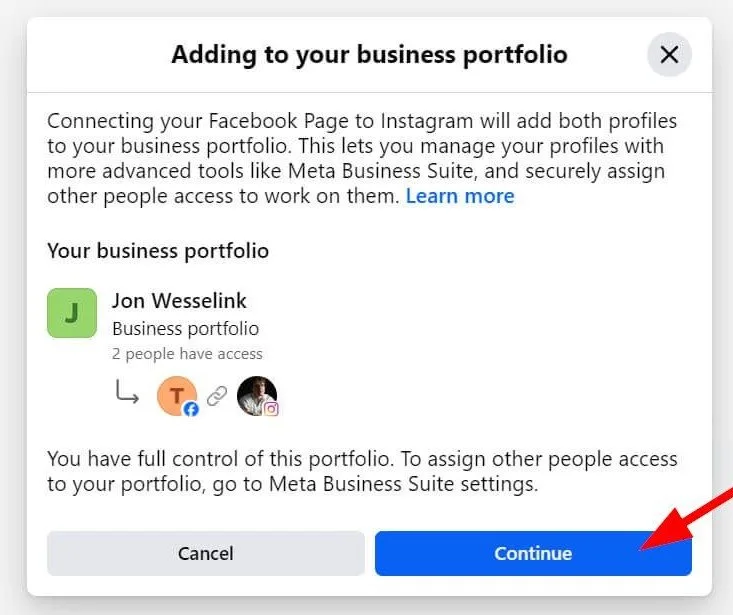
After the reset I retried the connection. This time Meta recognised the Business Portfolio and asked whether to add both the Instagram account and the Facebook Page to it (Figure 4). Real progress.
Step 5: Add the Page to the portfolio first, then link
One more error appeared when I tried to finish the connection. Instead of stopping there, I added the Facebook Page to the same Business Portfolio directly, then retried the link.
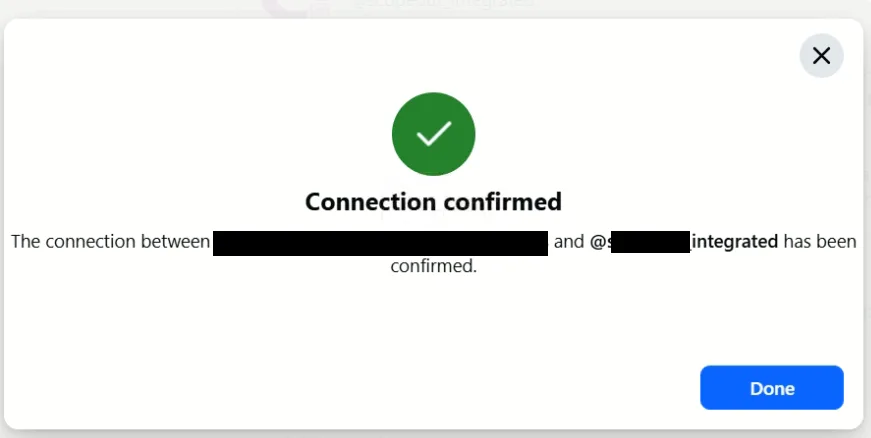
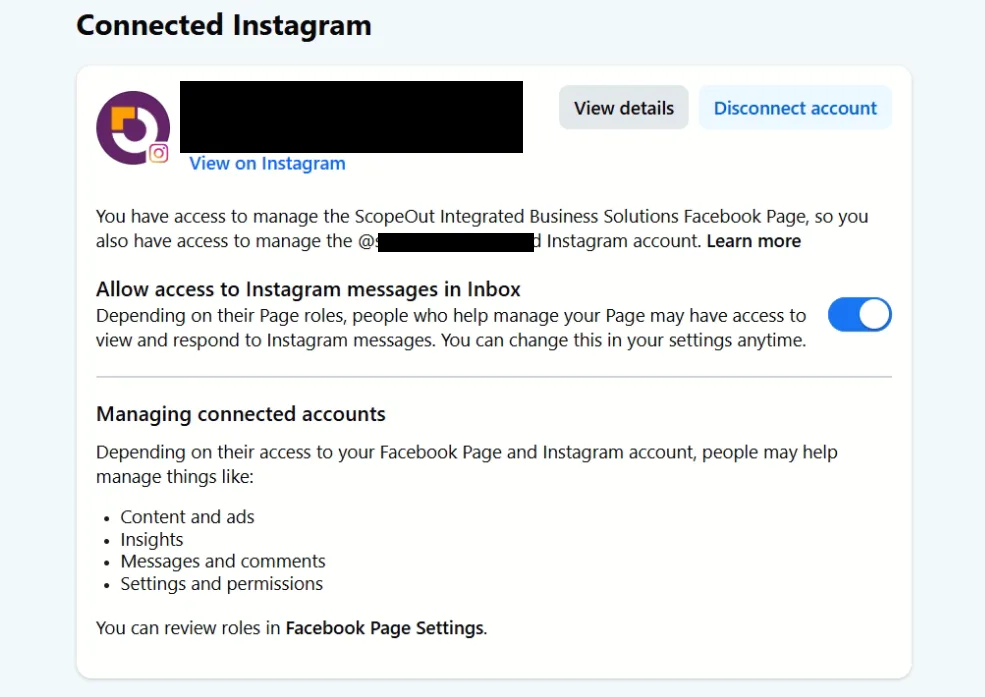
That did it. Both assets connected and showed up in the portfolio as expected (Figures 5 and 6).
Why this works
The original message talks about advertising policies, but in this case the real blocker was structure: Meta wants the Page and the Instagram account inside the same Business Portfolio before it will link them. The “blocked” Instagram error is a separate glitch, and the Personal-to-Business switch resets it.